Module detailsDual VCA

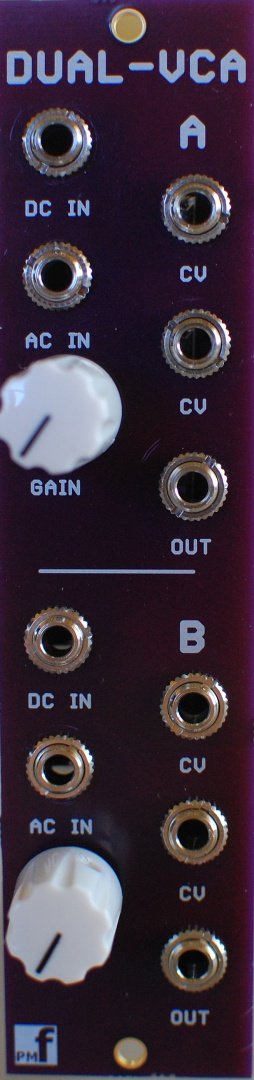
Panel image for Dual VCA
2 months ago - 2 months ago
This module has two VCAs in a 6HP space. The CV will in general be driven by an ADSR curve generated during the time that a GATE signal is applied. The second CV jack can be used by another source to control the gain of the VCA. Linear response to CV. The Gain pot is used to set the initial Gain when the CV is 0. There are DC and AC coupled inputs. The AC coupled input can be used to remove the DC part of an audio signal. The DC and AC jacks are exclusive-OR switched together with the DC jack having override priority.
Panel variants (1)
DarkDark

Search on

Community
Other stores

Comments

No comments yetBe the first to share your thoughts!

Racked in

No racks using this module yet. Try adding it to yours!

Patched in

No patches using this module yet. Try adding it to yours!
Panel image for Dual VCA
3U 6HP
Panel image for Volts
3U 4HP
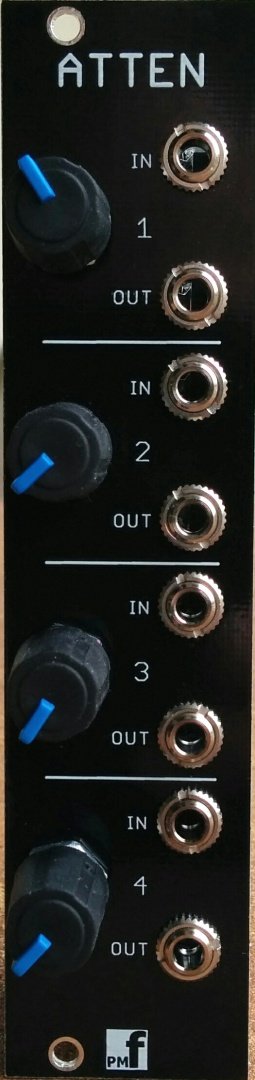
Panel image for Attenuator
3U 6HP
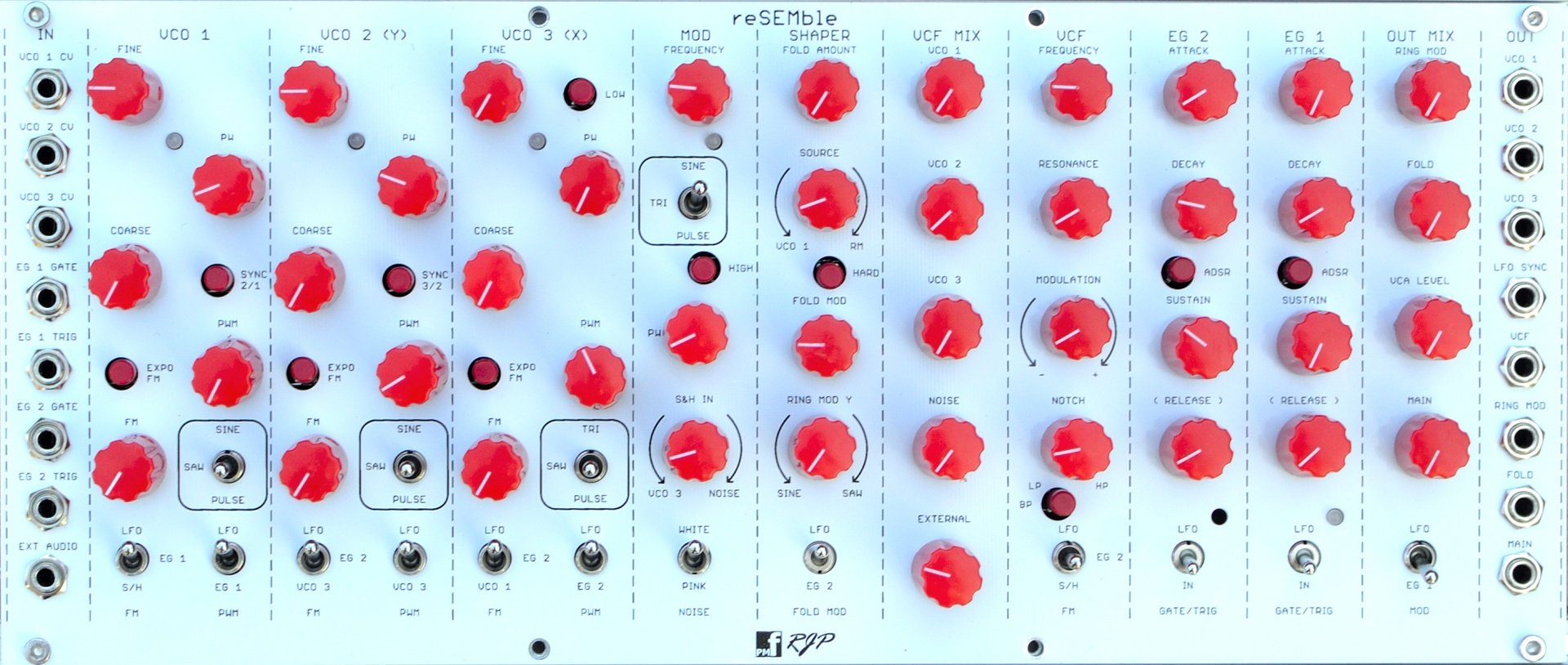
Panel image for reSEMble
3U 60HP
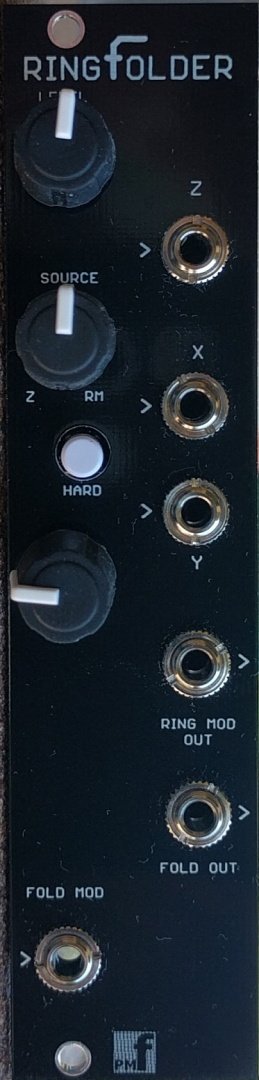
Panel image for RingFolder
3U 6HP
Panel image for Slew
3U 4HP
Panel image for VCO/LFO
3U 4HP
Panel image for Clock
3U 4HP
Panel image for BMult
3U 4HP
Panel image for Mixer
3U 6HP
Panel image for Quantola
3U 12HP
Panel image for Chorus
3U 4HP
Panel image for Auto-MIDI
3U 8HP
No panel yet
3U 6HP
No panel yet
3U 6HP
No panel yet
3U 4HP
No panel yet
3U 6HP
No panel yet
No panel yet
3U 4HP
No panel yet
No panel yet
No panel yet
3U 6HP
No panel yet
3U 10HP
No panel yet

Frequently Asked Questions

Patcher aims to be the most comprehensive manager and database for modular gear, providing free access to public data. The project is open-source and available to everyone for free.

If you notice a missing module, you can add it yourself using the "Submit New Module" button located in the modules section at the top right of the page.

Open link

If panel images are missing for a module, you can upload them directly via the module’s detail page. Just navigate to the module page, and you’ll find the option to add images there.

Yes, partially. Export your rack as JSON from ModularGrid (requires a Unicorn account), then in the rack creator toggle "Import from ModularGrid" and upload that file. We'll match as many modules as possible and show you a preview split into confident, likely, ambiguous, and unmatched matches - you can resolve ambiguous ones manually before finishing the import. ModularGrid does not officially support this integration, so some modules may not match; you can always add those manually.

Use blank modules! Right-click on any module in your rack and select "Replace with blank" to create empty space. Blanks are available in all common sizes (1-20 HP for Eurorack, 1-26 HP for Intellijel). You can also add blank modules directly from the module browser - just search for "blank".

To suggest a feature, join our Discord server for discussions, or if it is a technical suggestion, you can submit an issue on our GitHub repository. The link is available in the footer.

Open link

There are many ways you can contribute to the project, including development, documentation, or data entry. You can also help by sharing the project with your friends and spreading the word. Direct support via Patreon is available.

Open link

If you encounter a bug, report it on our Discord server or submit an issue on our GitHub repository.

Open link

We are constantly improving the project. You can check the roadmap on our GitHub repository to see what is currently being developed.

Open link