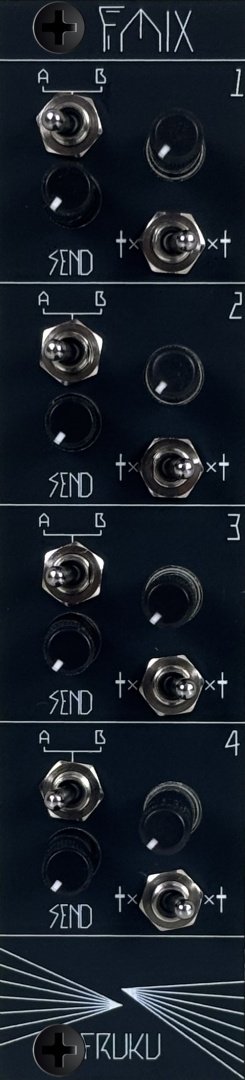
Module detailsFmix - Interface Module

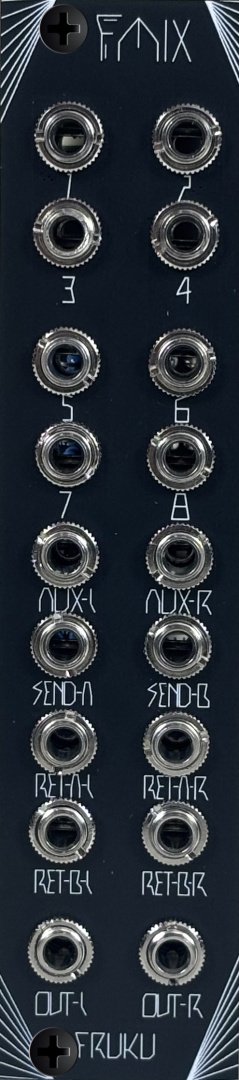
Panel image for Fmix - Interface Module
3U 6HP
6 months ago - 6 months ago
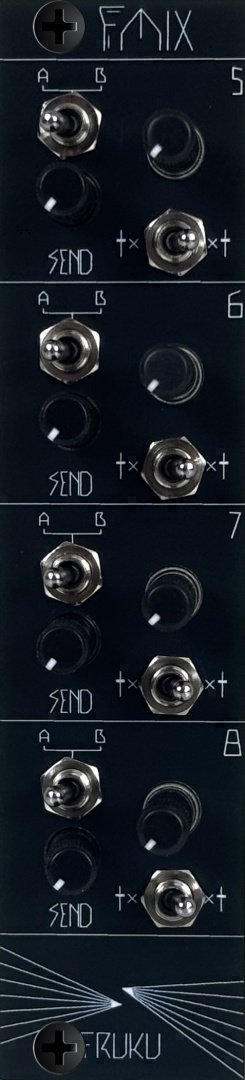
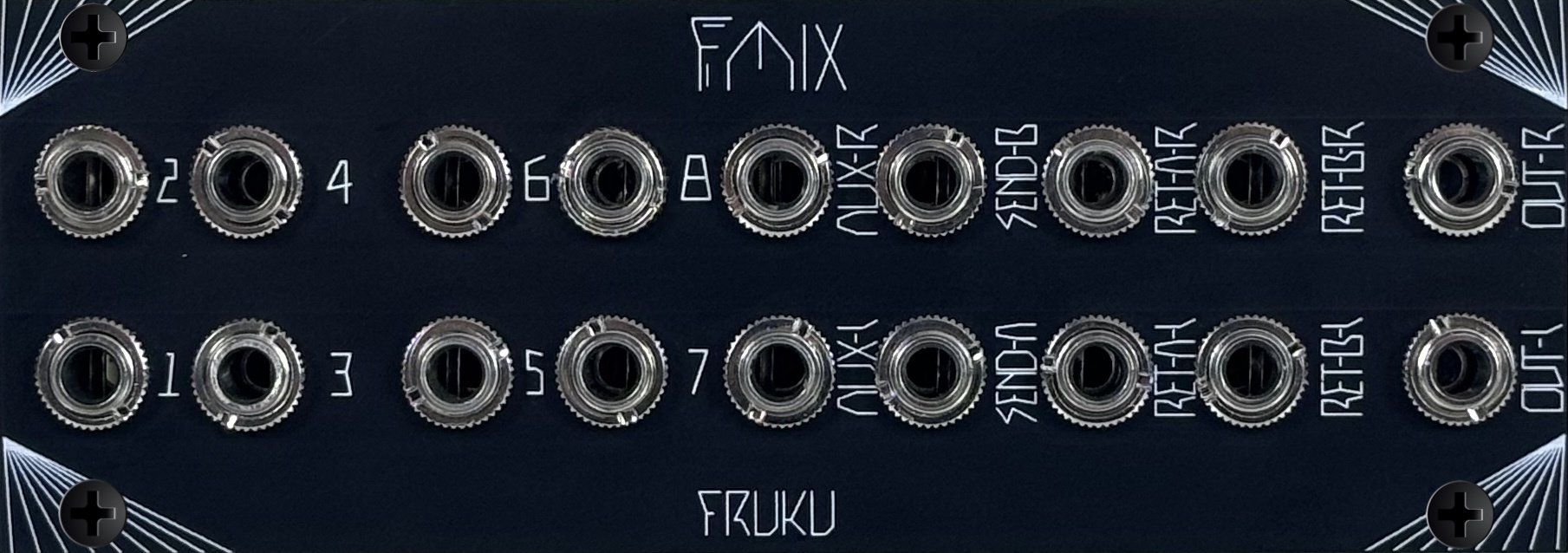
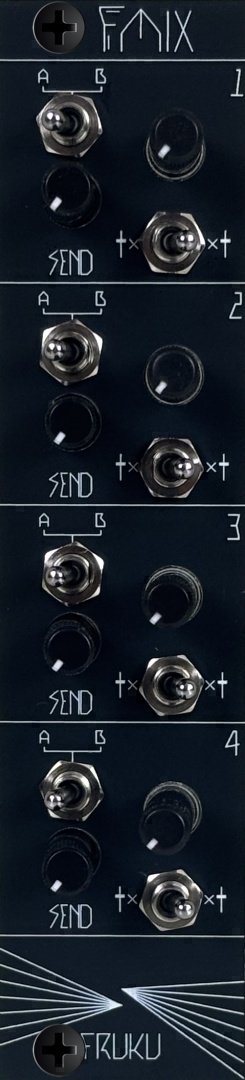
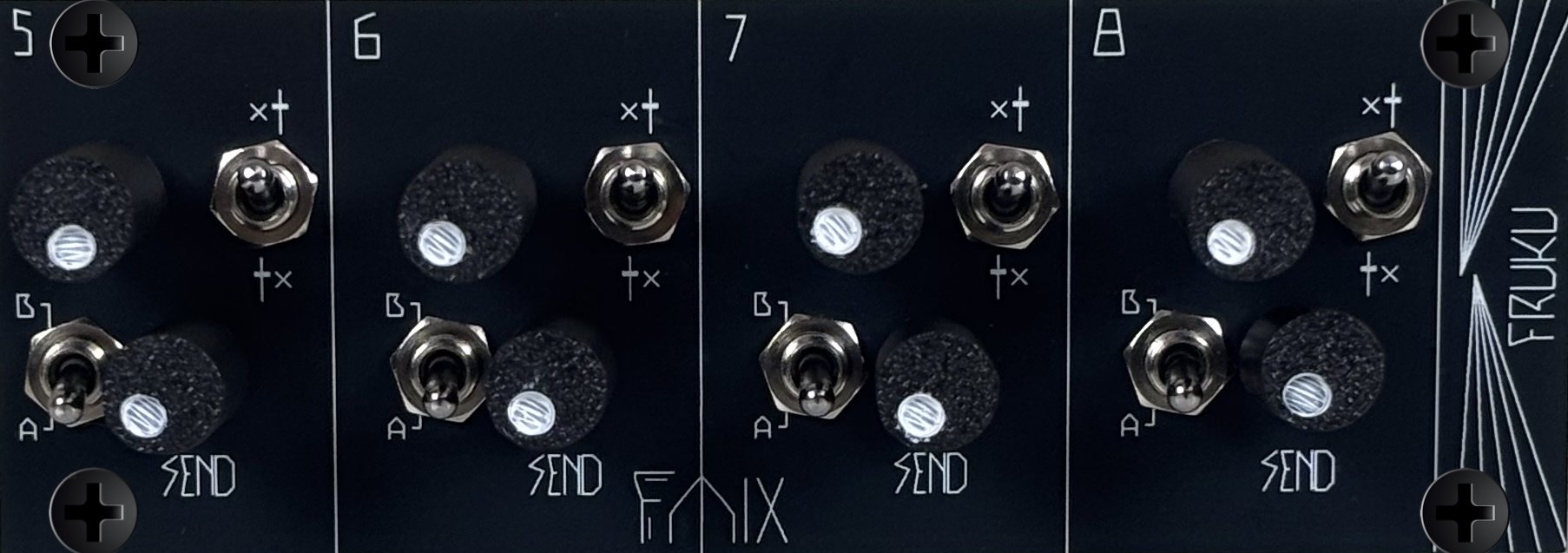
The Fmix is a highly flexible, fully modular mixer built from three modules. The Jacks Module handles all input and output connections. Two Interface Modules provide level control, FX sends, pre/post FX switching, and an A/B FX selector. These connect to the Jacks Module via ribbon cables, functioning like expander modules. All three modules can be mounted in either 3U or 1U format, and each comes with front panels for both sizes.
Panel variants (1)
DarkDark

Search on

Community
Other stores

Comments

No comments yetBe the first to share your thoughts!

Racked in

Loading content

Patched in
Checking private and hidden patch usage...
Panel image for Interface Module 2 1U
Intellijel 1U 22HP
Panel image for Fmix - Jacks Module 1U
Intellijel 1U 22HP
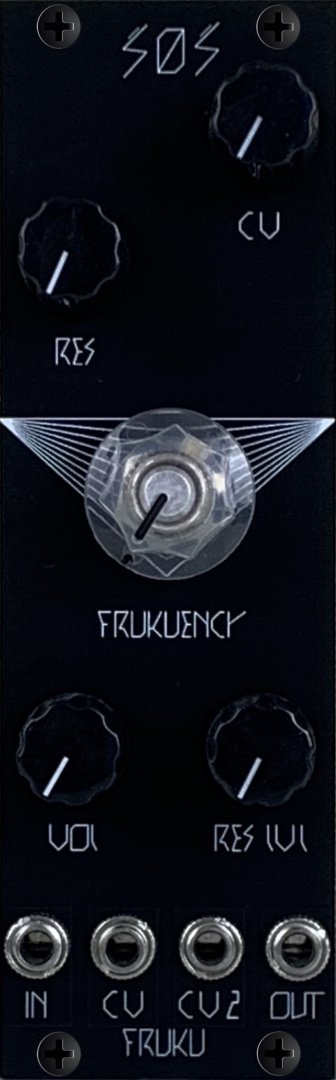
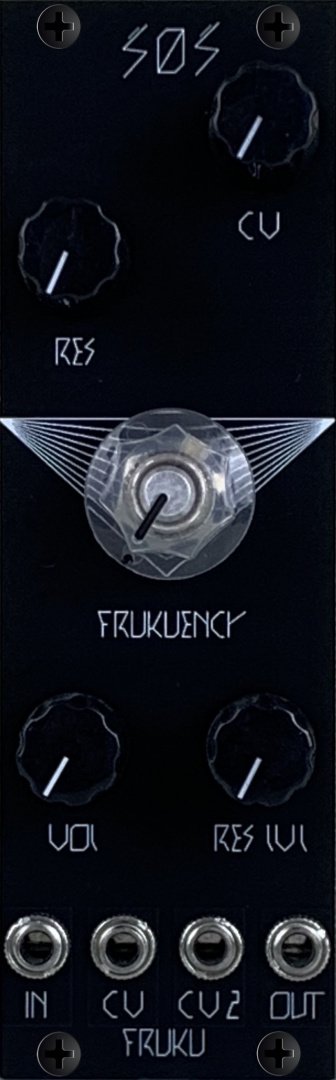
Panel image for SOS
3U 8HP
Panel image for Glue
3U 3HP
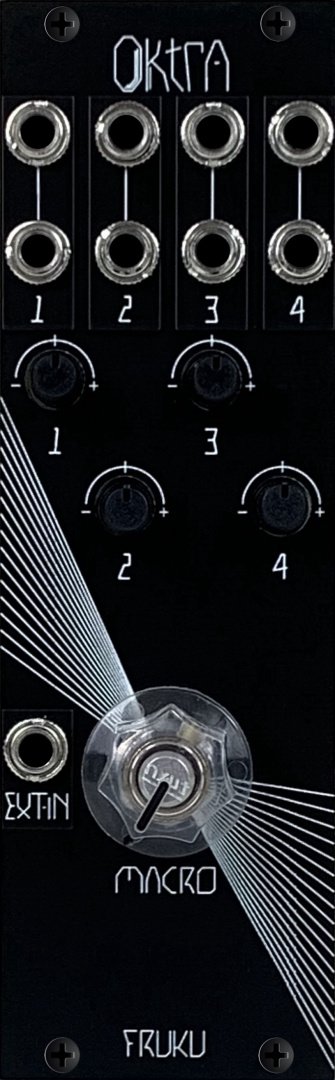
Panel image for Oktra
3U 8HP
Panel image for Evi
3U 2HP
Panel image for Dam
3U 2HP
Panel image for EOF
3U 2HP
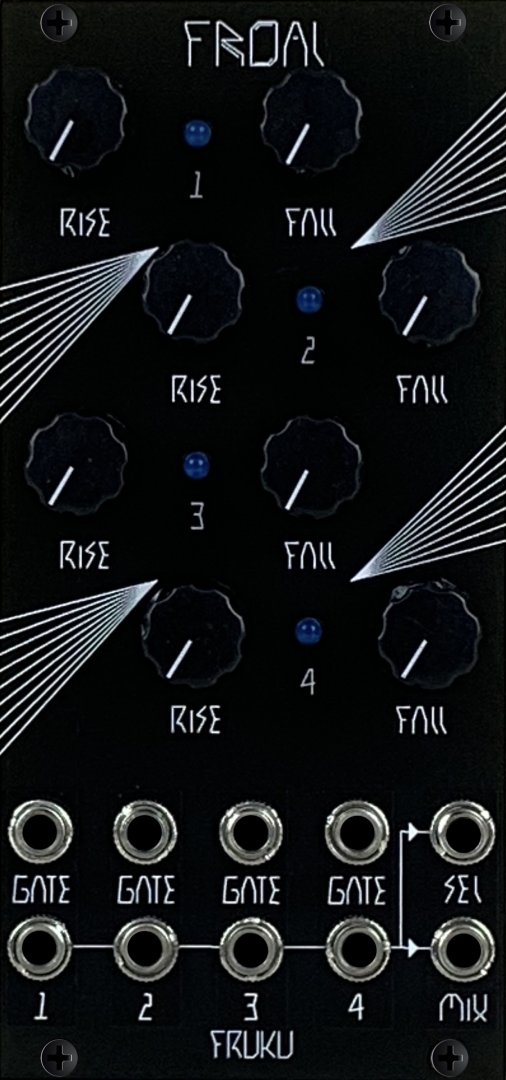
Panel image for Froal
3U 12HP
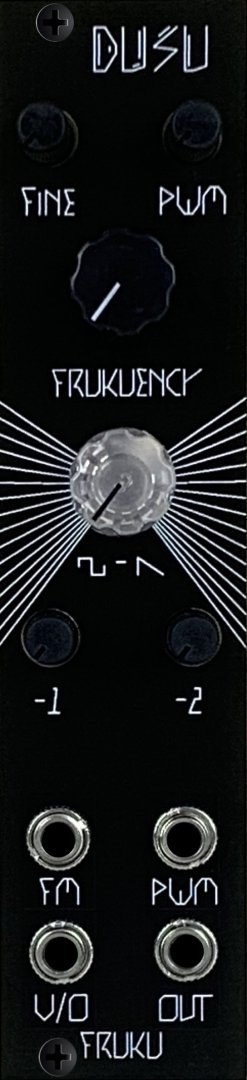
Panel image for Dusu
3U 6HP
Panel image for AXB
3U 2HP
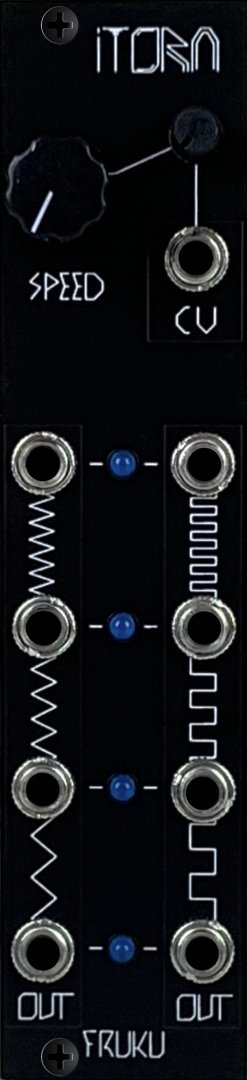
Panel image for Itora
3U 6HP
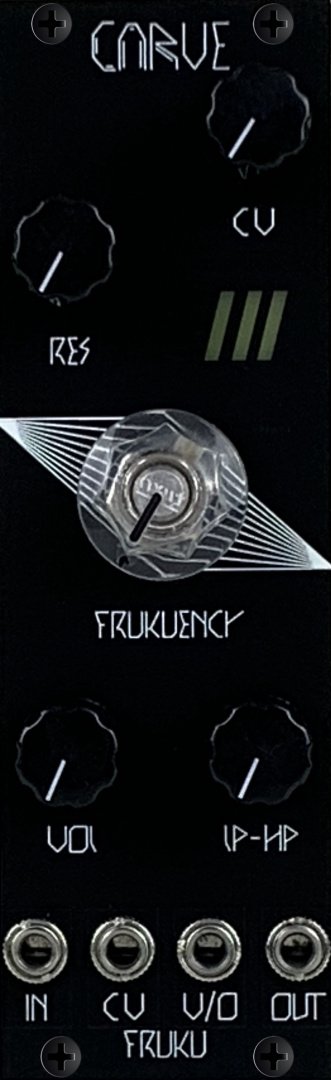
Panel image for Carve
3U 8HP
Panel image for Dis
3U 2HP
Panel image for S0S
3U 8HP
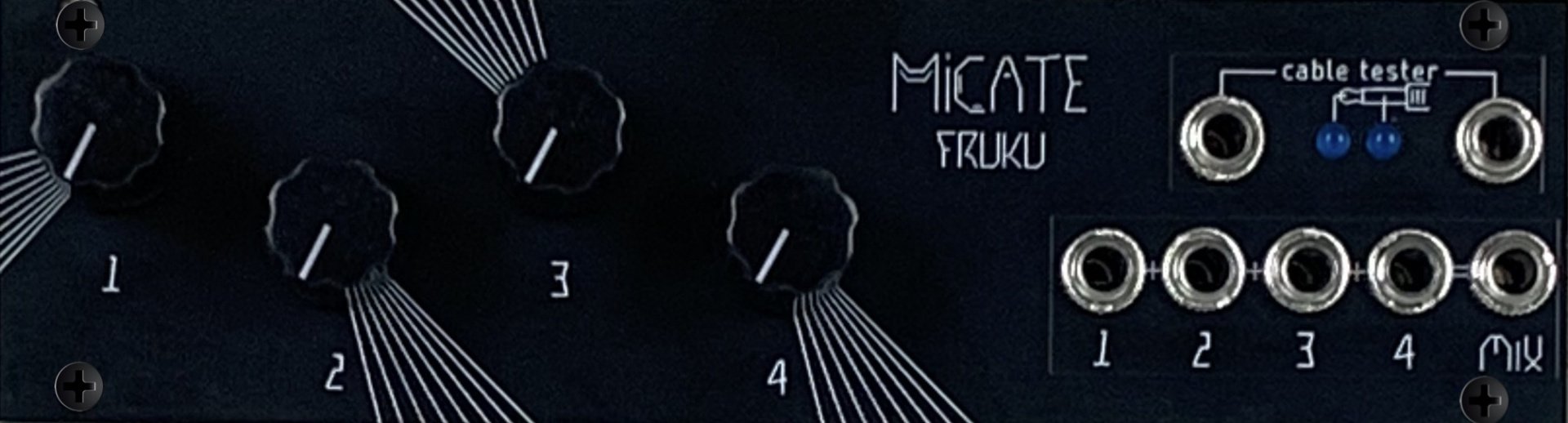
Panel image for Micate
Intellijel 1U 28HP
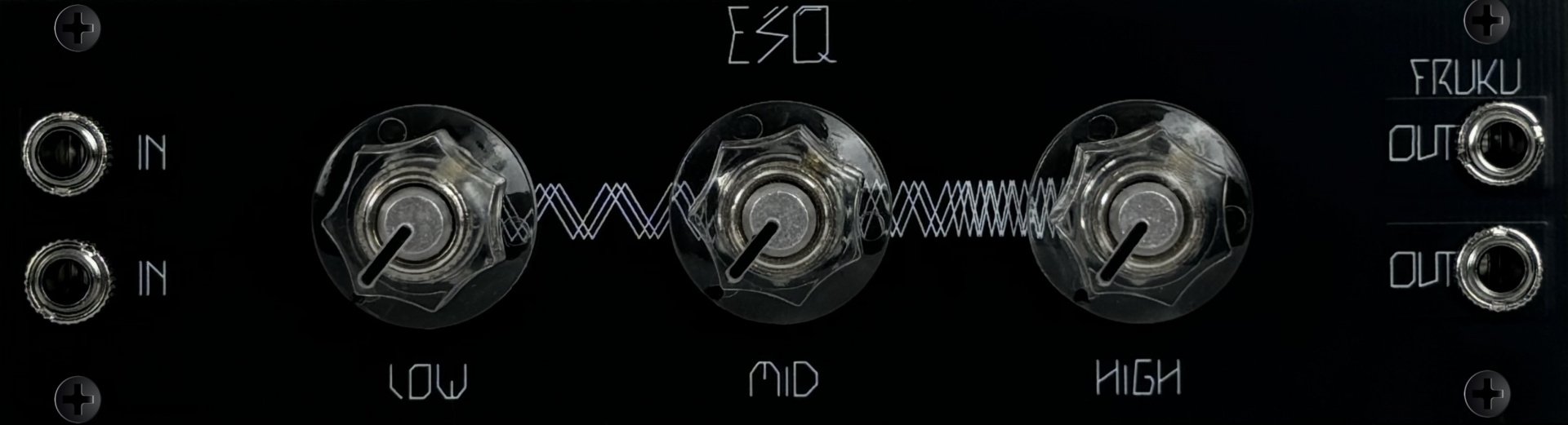
Panel image for ESQ
2 2
Intellijel 1U 28HP
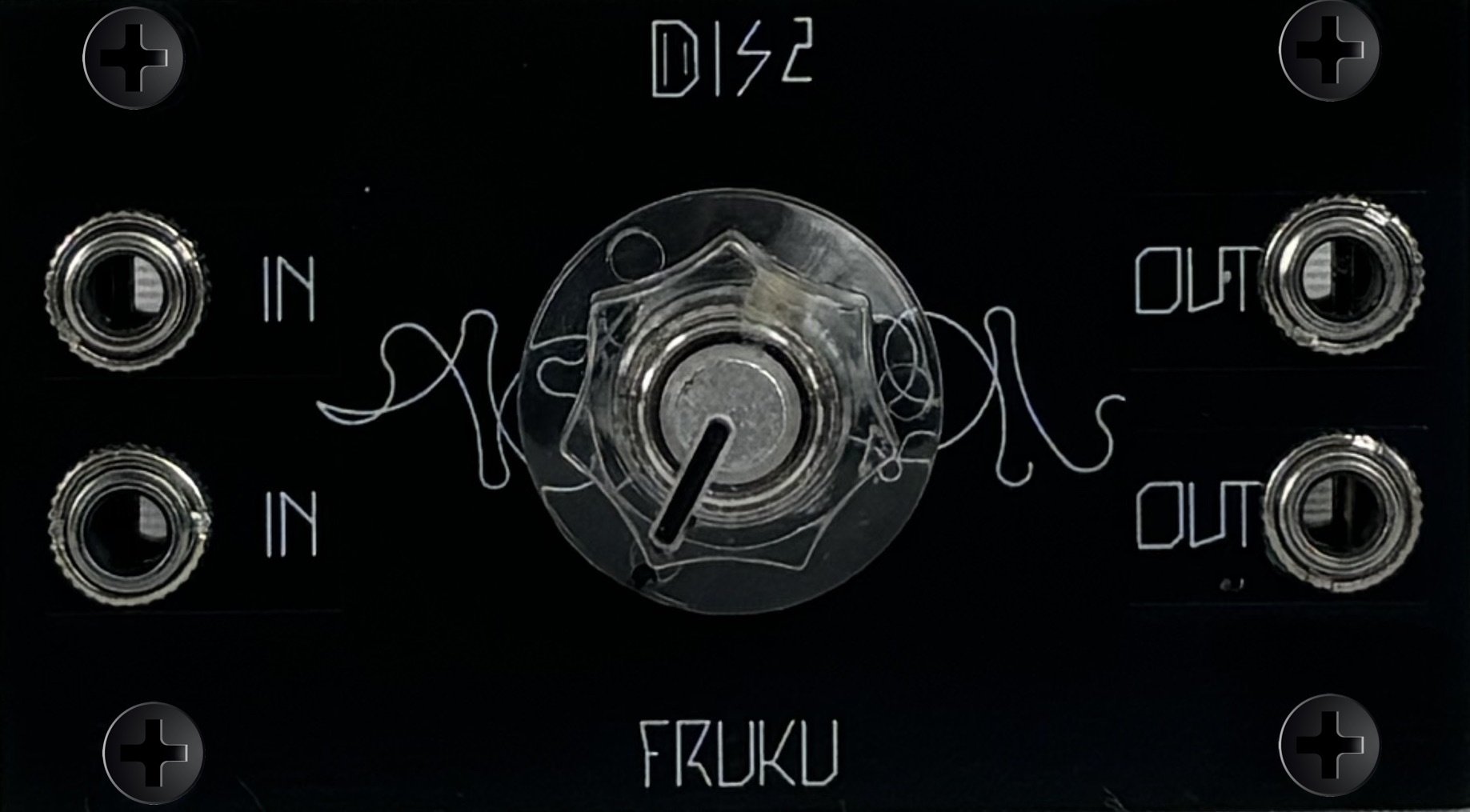
Panel image for Dis2
Intellijel 1U 14HP
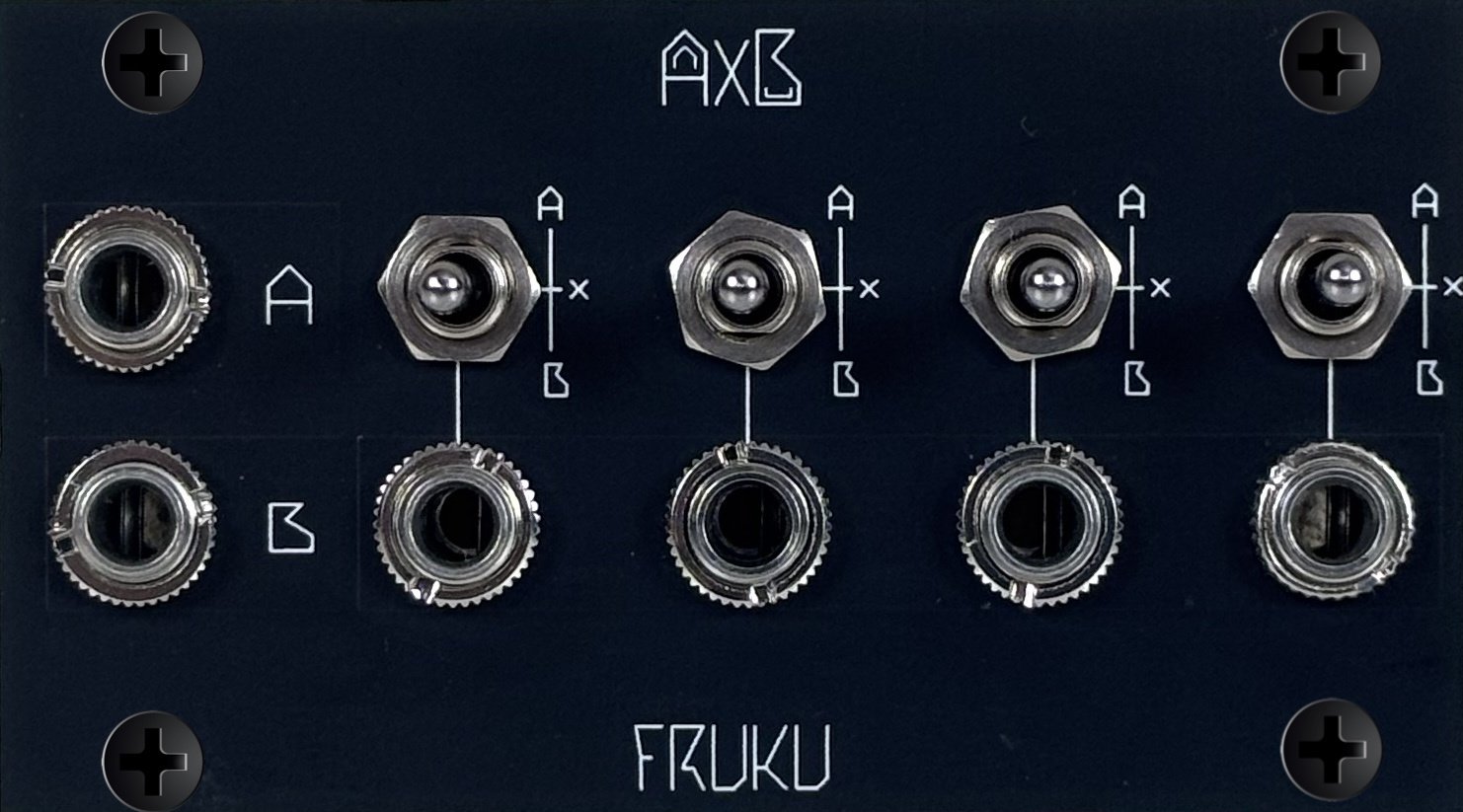
Panel image for AXB 1U
Intellijel 1U 14HP
Panel image for Tlum
3U 2HP
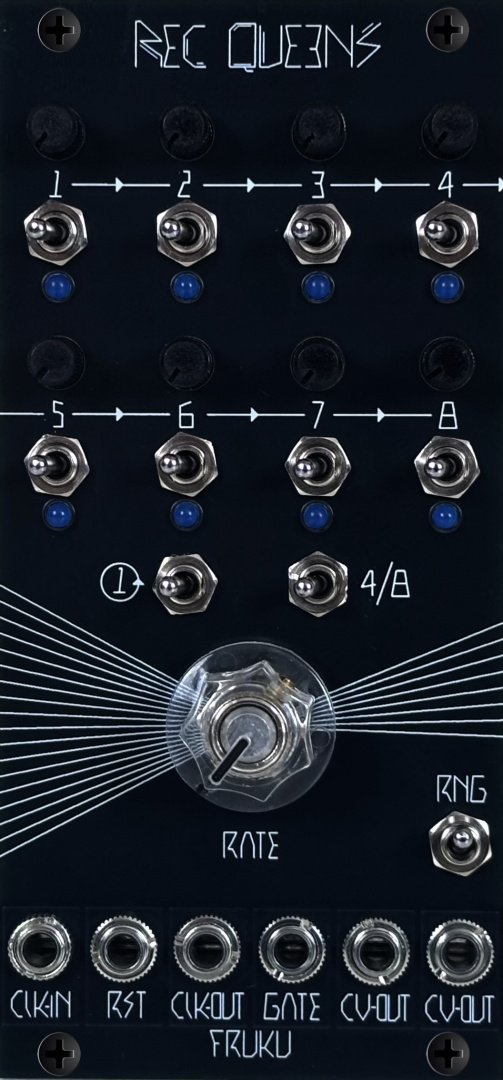
Panel image for Req Queens
3U 12HP
Panel image for MVCA
3U 2HP
Panel image for Froal 1/2
3U 4HP

Frequently Asked Questions

Patcher aims to be the most comprehensive manager and database for modular gear, providing free access to public data. The project is open-source and available to everyone for free.

If you notice a missing module, you can add it yourself using the "Submit New Module" button located in the modules section at the top right of the page.

Open link

If panel images are missing for a module, you can upload them directly via the module’s detail page. Just navigate to the module page, and you’ll find the option to add images there.

Yes, partially. Export your rack as JSON from ModularGrid (requires a Unicorn account), then in the rack creator toggle "Import from ModularGrid" and upload that file. We'll match as many modules as possible and show you a preview split into confident, likely, ambiguous, and unmatched matches - you can resolve ambiguous ones manually before finishing the import. ModularGrid does not officially support this integration, so some modules may not match; you can always add those manually.

Use blank modules! Right-click on any module in your rack and select "Replace with blank" to create empty space. Blanks are available in all common sizes (1-20 HP for Eurorack, 1-26 HP for Intellijel). You can also add blank modules directly from the module browser - just search for "blank".

To suggest a feature, join our Discord server for discussions, or if it is a technical suggestion, you can submit an issue on our GitHub repository. The link is available in the footer.

Open link

There are many ways you can contribute to the project, including development, documentation, or data entry. You can also help by sharing the project with your friends and spreading the word. Direct support via Patreon is available.

Open link

If you encounter a bug, report it on our Discord server or submit an issue on our GitHub repository.

Open link

We are constantly improving the project. You can check the roadmap on our GitHub repository to see what is currently being developed.

Open link