Patch detailsTechno1
Patch detailsTechno1
202 Passive Signal Multipliers
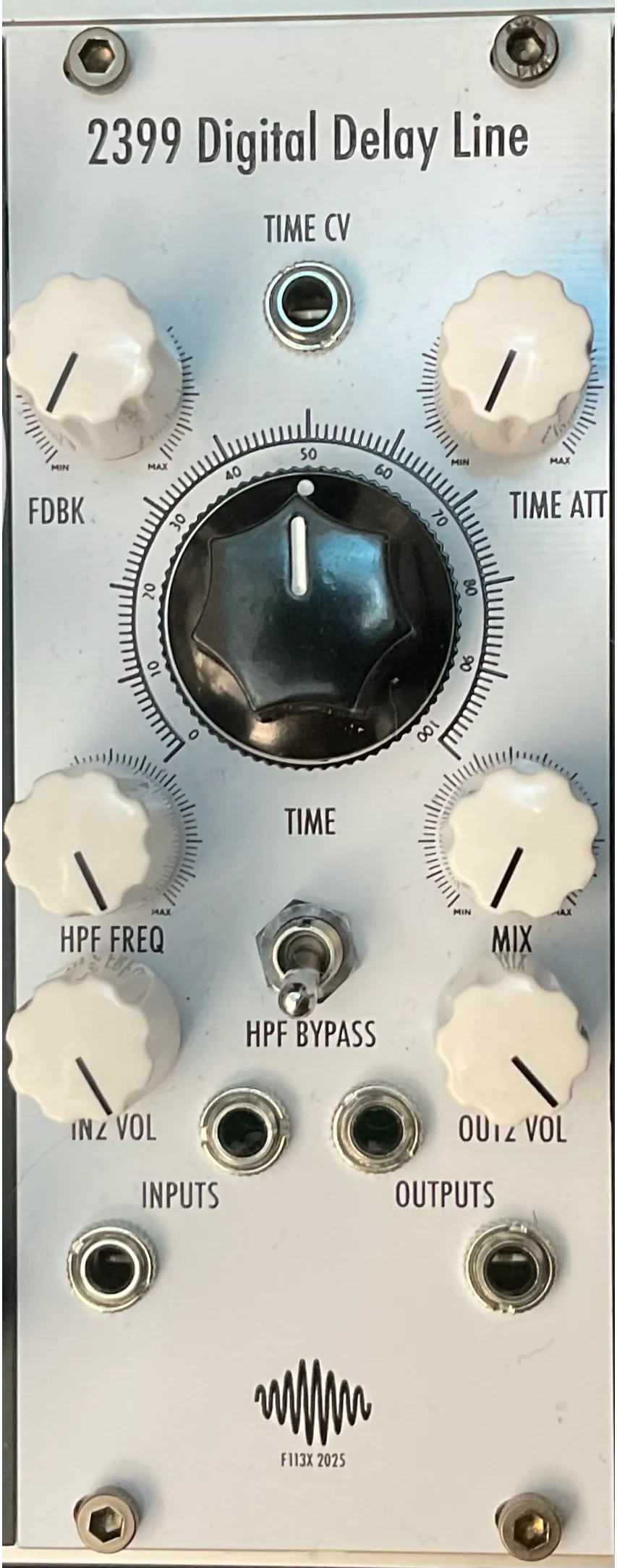
× 22399 Digital Delay Line
302 Dual Analogue Saw Core VCO
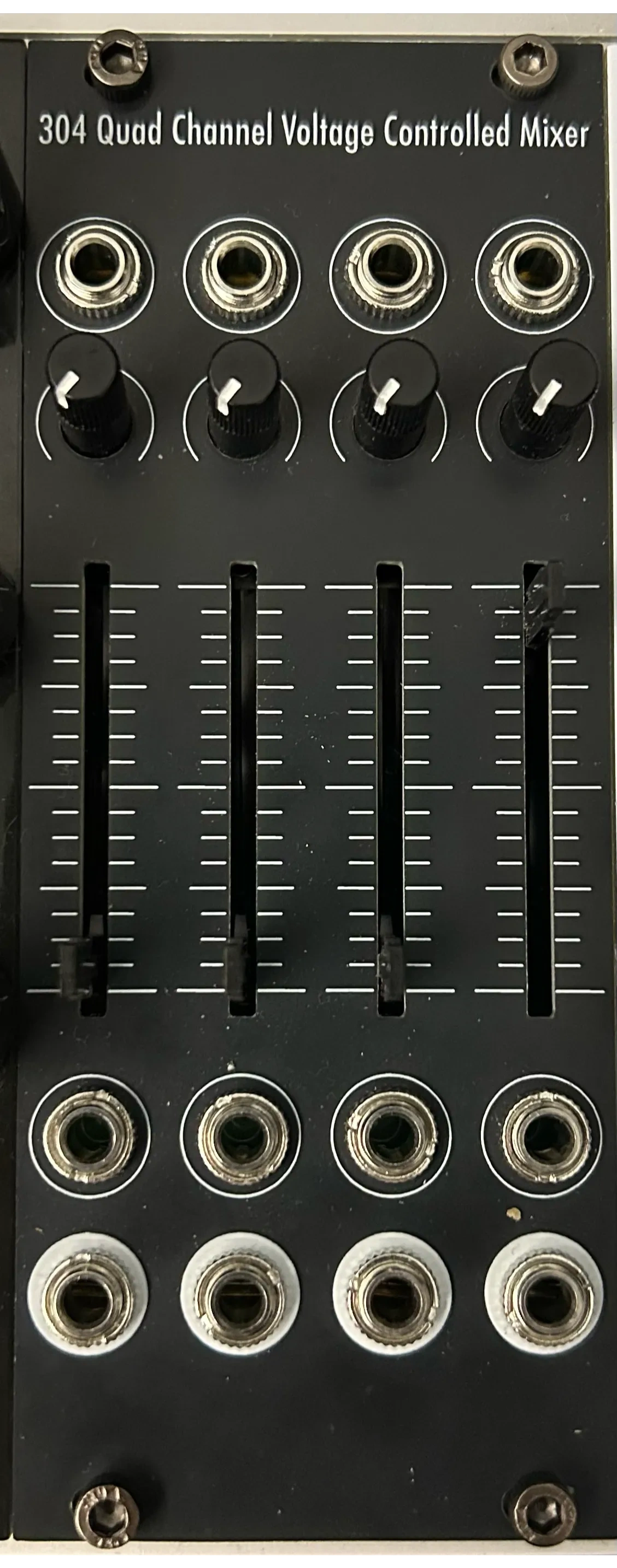
304 Quad Channel Voltage Controlled Mixer
308 Voltage Controlled Filter & Wavefolder
310c Diode Voltage Controlled Filter
606 Hihat Generator
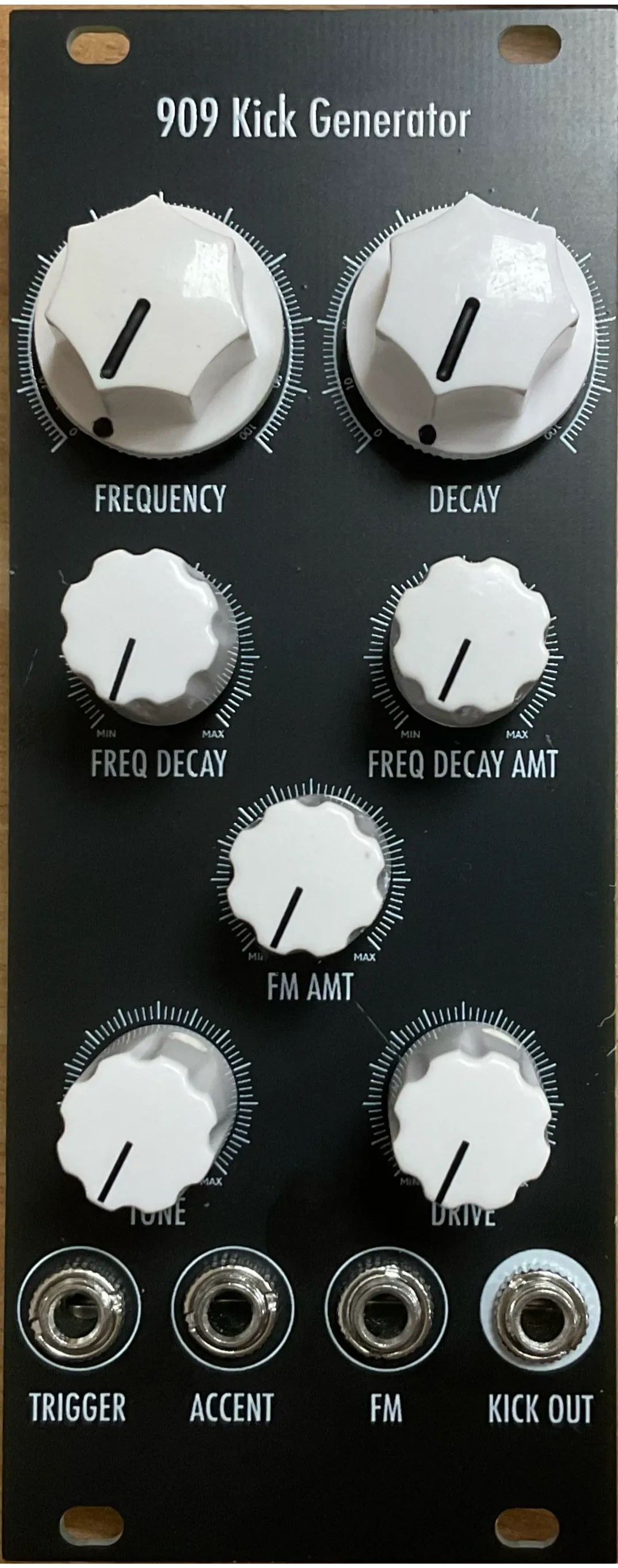
909 Kick Generator
ad.duo
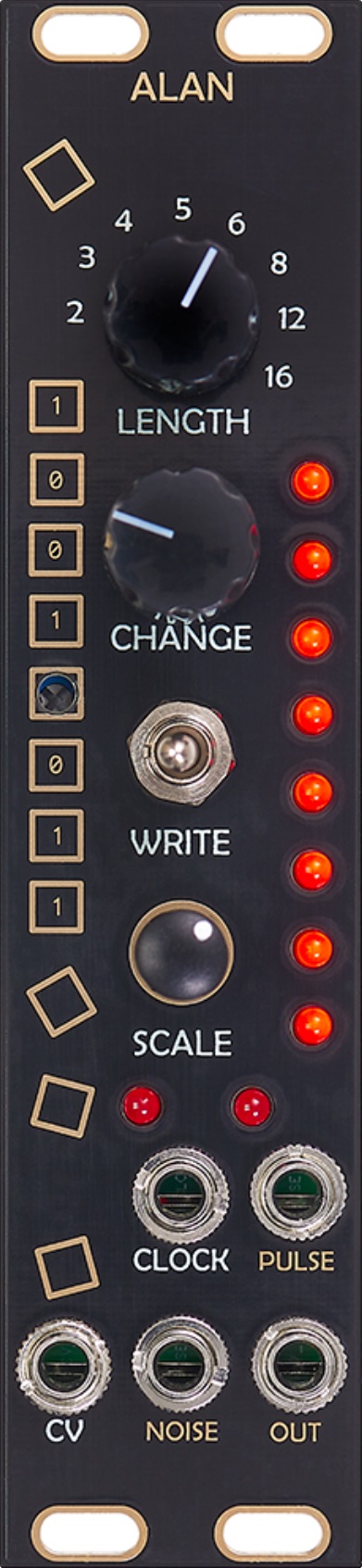
Alan
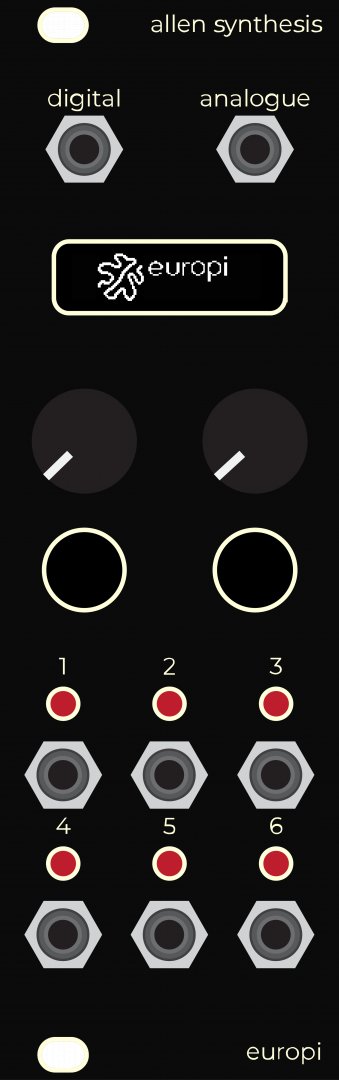
EuroPi
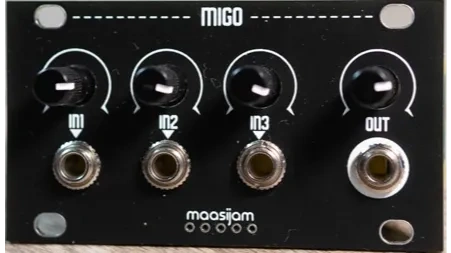
Migo
Morcom
Snare
SYSTEM 100 182 ANALOG SEQUENCER
Verb
25 Connections
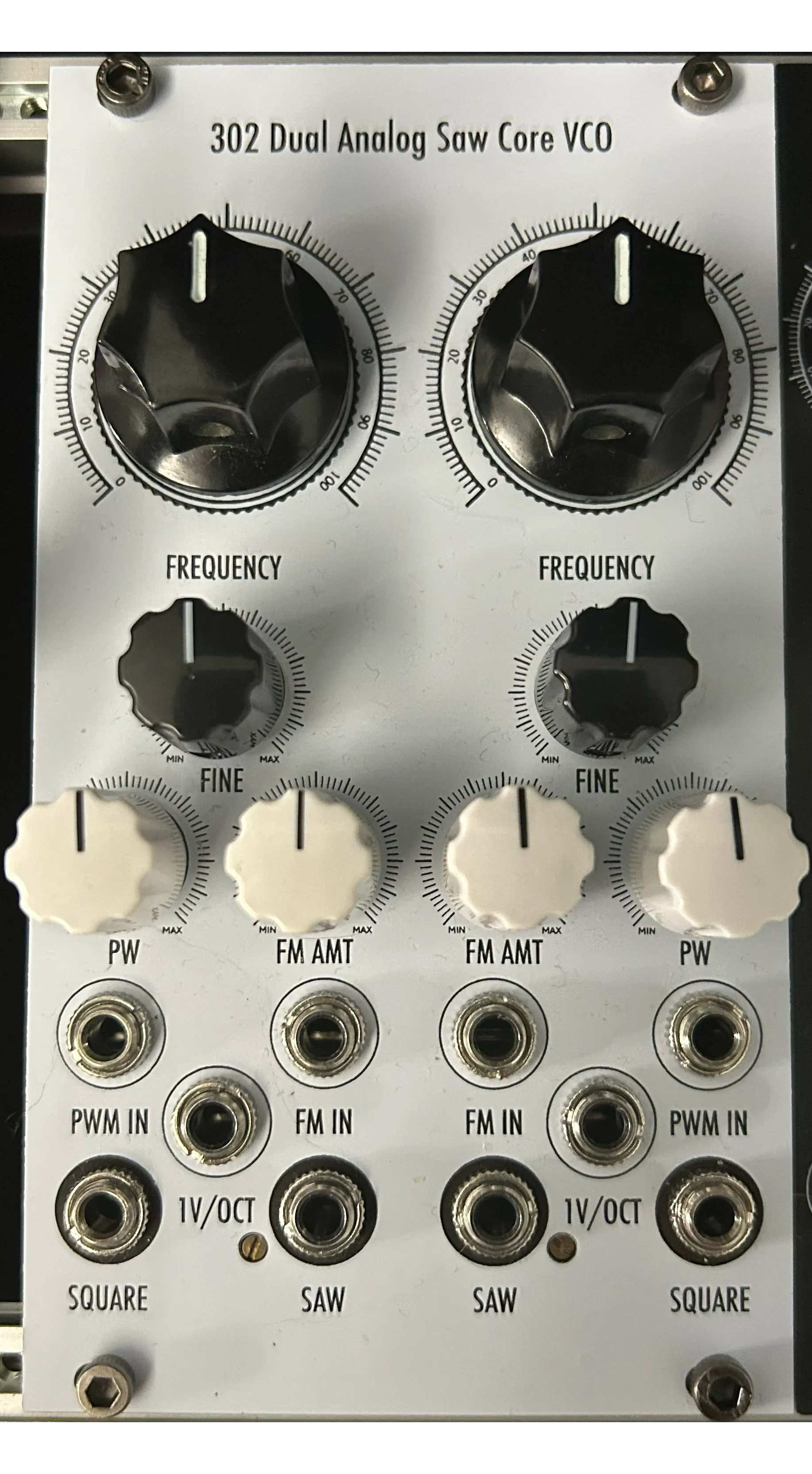

Cutoff -> minimum to "mute" bass
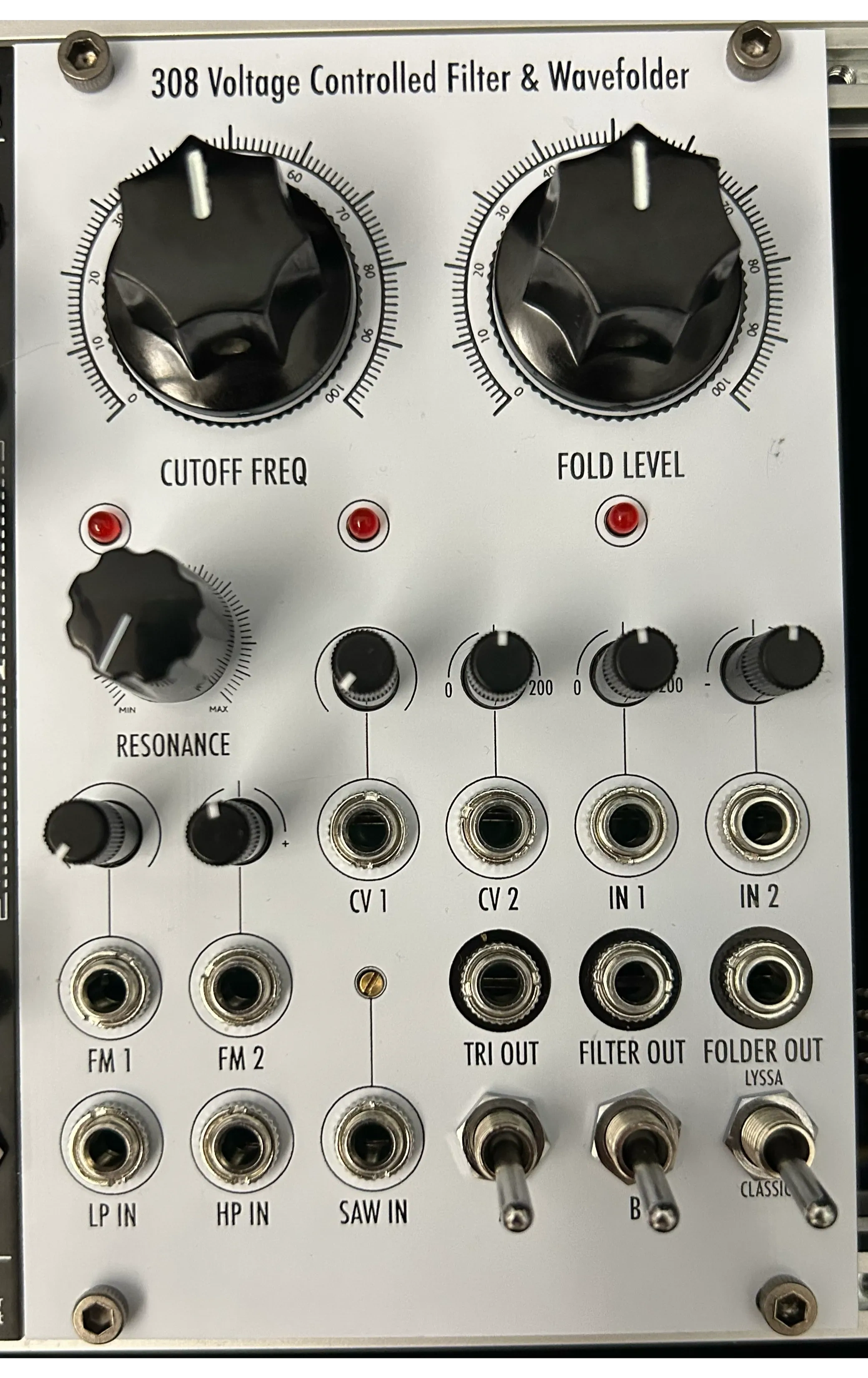
Cutoff -> ~10.5 o'clock for "normal" cutoff, adjust for variations
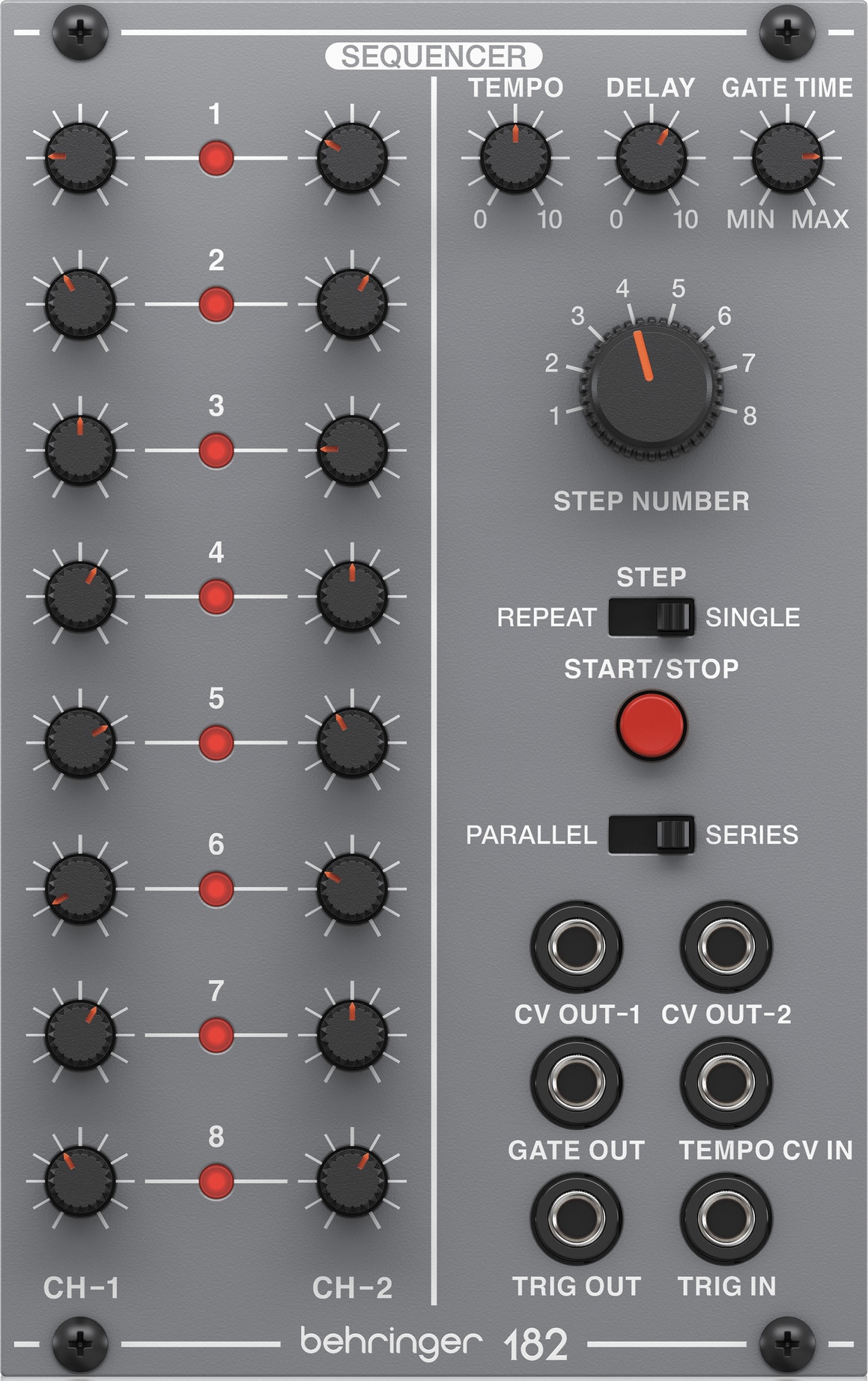
Randomly adjust each step, it never really sounds bad
Adjust gate length to control open hat decay
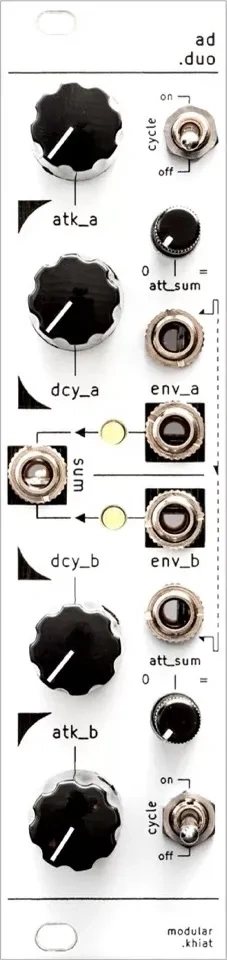
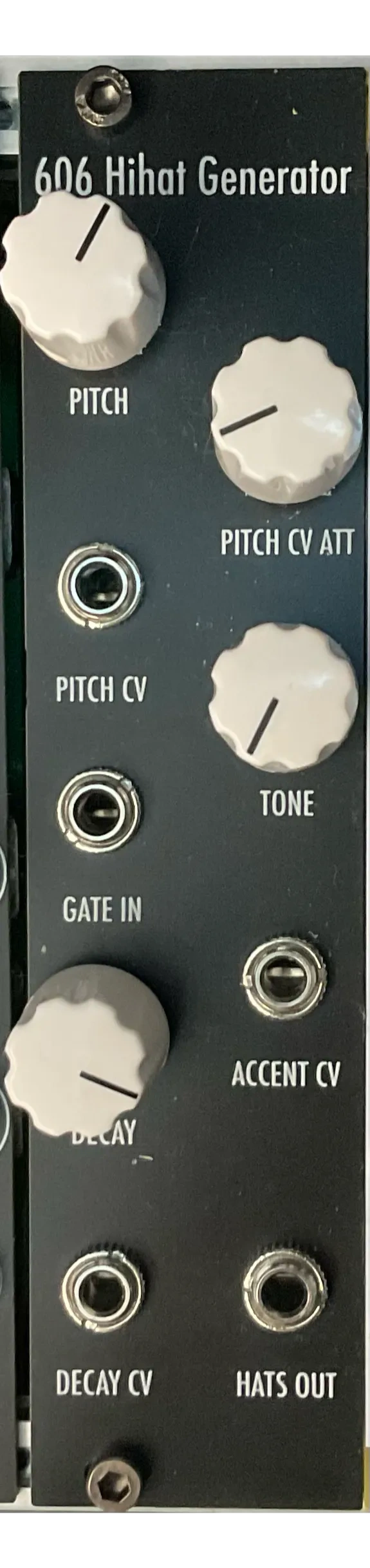
Decay -> maximum (which is actually minimum) to "mute" closed hats, adjust decay for different combinations of open & closed hat decay times

VCA for this voice is modulated, so volume -> minimum and VCA CV amt -> maximum, no volume control here

Adjust reverb dry/wet to build up
Decay time -> minimum for a "highpassed kick"

Comments
No comments yetBe the first to share your thoughts!
Frequently Asked Questions
Patcher aims to be the most comprehensive manager and database for modular gear, providing free access to public data. The project is open-source and available to everyone for free.
If panel images are missing for a module, you can upload them directly via the module’s detail page. Just navigate to the module page, and you’ll find the option to add images there.
Yes, partially. Export your rack as JSON from ModularGrid (requires a Unicorn account), then in the rack creator toggle "Import from ModularGrid" and upload that file. We'll match as many modules as possible and show you a preview split into confident, likely, ambiguous, and unmatched matches - you can resolve ambiguous ones manually before finishing the import. ModularGrid does not officially support this integration, so some modules may not match; you can always add those manually.
Use blank modules! Right-click on any module in your rack and select "Replace with blank" to create empty space. Blanks are available in all common sizes (1-20 HP for Eurorack, 1-26 HP for Intellijel). You can also add blank modules directly from the module browser - just search for "blank".
Support Patcher
Patcher is free and open-source.

© 2026 Vladyslav Yakovenko · Open-source · AGPL-3.0